
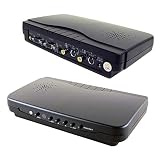

Specifications:
- Differences between Mixer and Overlay modes. Mixer mode shows both the whole computer input screen together with the composite video input while the computer VGA signal or composite video signal will look semi-transparent and overlap with the other video screen.
- Overlay mode with 4 selectable chroma color keying in blue, green, red and black color. When using the selected color keying for background at overlay mode, the blue/green/red/black color background form the VGA input or video input will be keyed away and reveal the image behind it depending on whether PC VGA keying or Video keying is selected for operation.
- Mixer mode to display the mixing result after the process that the computer-generated content or the whole computer screen will be semi transparent and superimposed on top of the composite RCA or s-video source such as video camera or DVD player.
- Video pass-through mode for viewing the videos from the composite RCA or S-video input alone on TV before overlay or mixing process.
- VGA pass-through mode for viewing the computer screen on a TV or video monitor before overlay or mixing process.
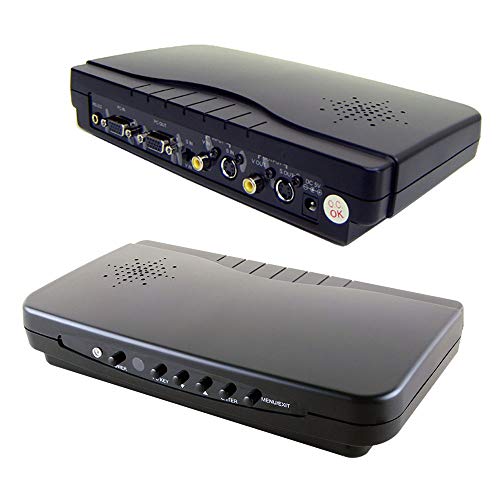
| Model | VGA-Overlay2 |
| EAN | 6329161452133 |
| Category | Electronics |
| ASIN | B071DG4FJC |