

Specifications:
If your printer is not reading the cartridge and giving an error message, the reason is that firmware upgrade. Our current ink cartridges are equipped with the latest chips and are compatible with the latest version of firmware. If you have any questions, please contact us at any time.For epson 822XL ink cartridgescome equipped with the latest intelligent chips, ensuring you wonât be bothered by firmware update.No compatibility issues.
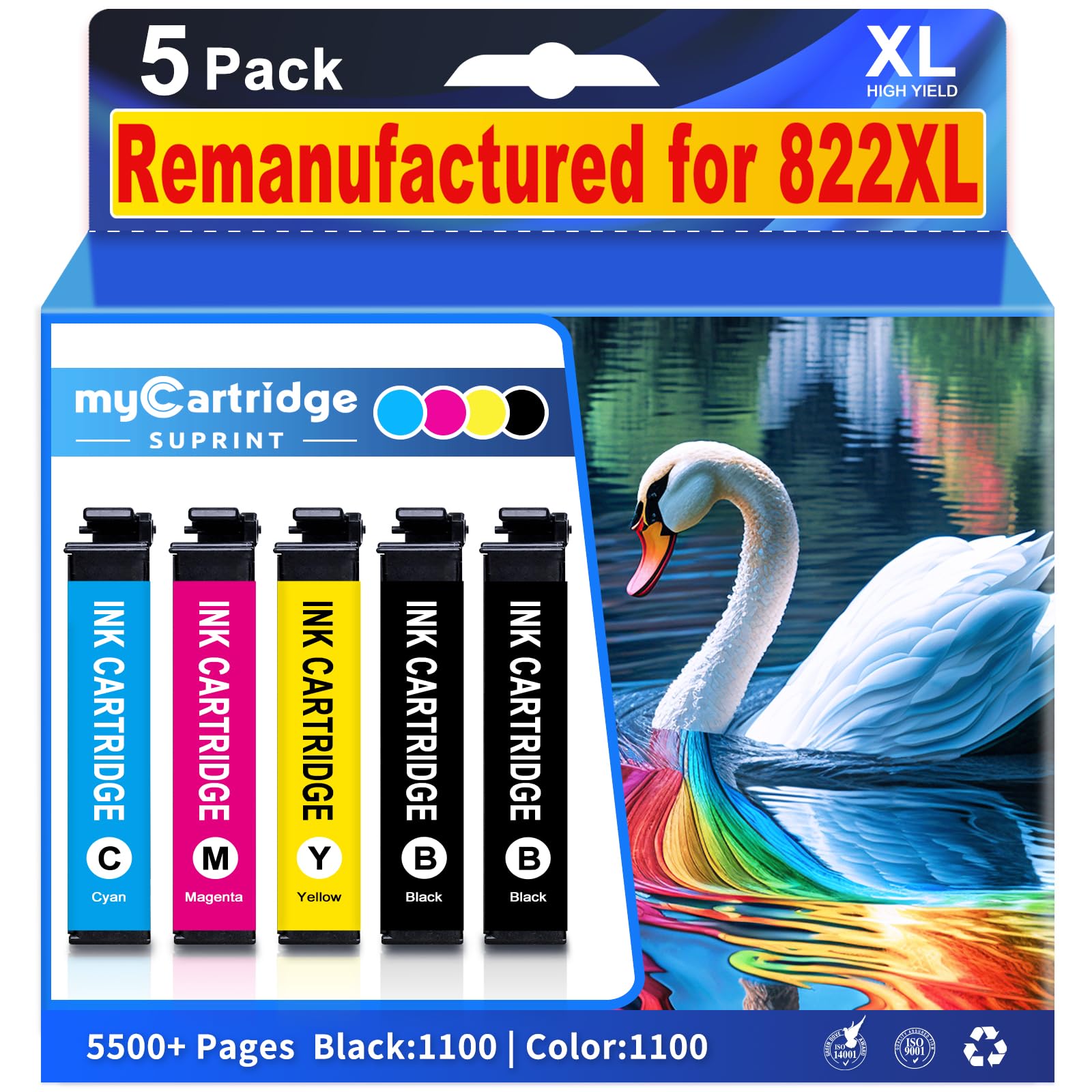
Replacement for epson 822XL ink cartridges combo pack includesï¼A full set of replacements for Epson 822XL ink cartridges 5 pack: 2*822XL Black ink cartridges, 1*822XL Cyan ink cartridges, 1*822XL Magenta ink cartridges, 1*822XL Yellow ink cartridges,and plus a comprehensive User Guide for hassle-free installation.
Replacement for 822xl printer ink epson compatibility:These 822XL ink cartridges are compatible with Epson WorkForce Pro printers such as WF-3820, WF-3823, WF-4820, WF-4830, WF-4833,WF-4834, allowing you to use them with your existing printer models.
Replacement for epson 822XL ink cartridges high page yield: Up to 1100 pages per epson 822XL black ink cartridge and 1110 pages for per epson 822XL color ink cartridge (Letter/A4, at 5% coverage)
Quality Assurance: Replacement for epson 822xl ink cartridges combo pack undergoes a rigorous quality testing process to ensure clear, long-lasting printing. This test ensures that the cartridge delivers streak-free, faded, leak-free high-quality printing, giving you reliable print performance.
Troubleshooting Steps: 1.Gently clean the contact points between the cartridge and printer slot with a soft cloth or cotton swab to remove dust or dirt. 2.Remove and reinsert the cartridge, ensuring it's properly and fully inserted into the slot. 3.Turn off the printer, unplug it, wait 30 seconds, plug it back in, turn it on, and check if the error is resolved.
| Category | General |
| ASIN | B0DC6P5ZKB |